What Is a Cryptocurrency Wallet and How to Create One: A Beginner's Guide
We explain what a cryptocurrency wallet is, how it works, the differences between wallet types and how to create a wallet to receive cryptocurrency from Paybis in just a few minutes.
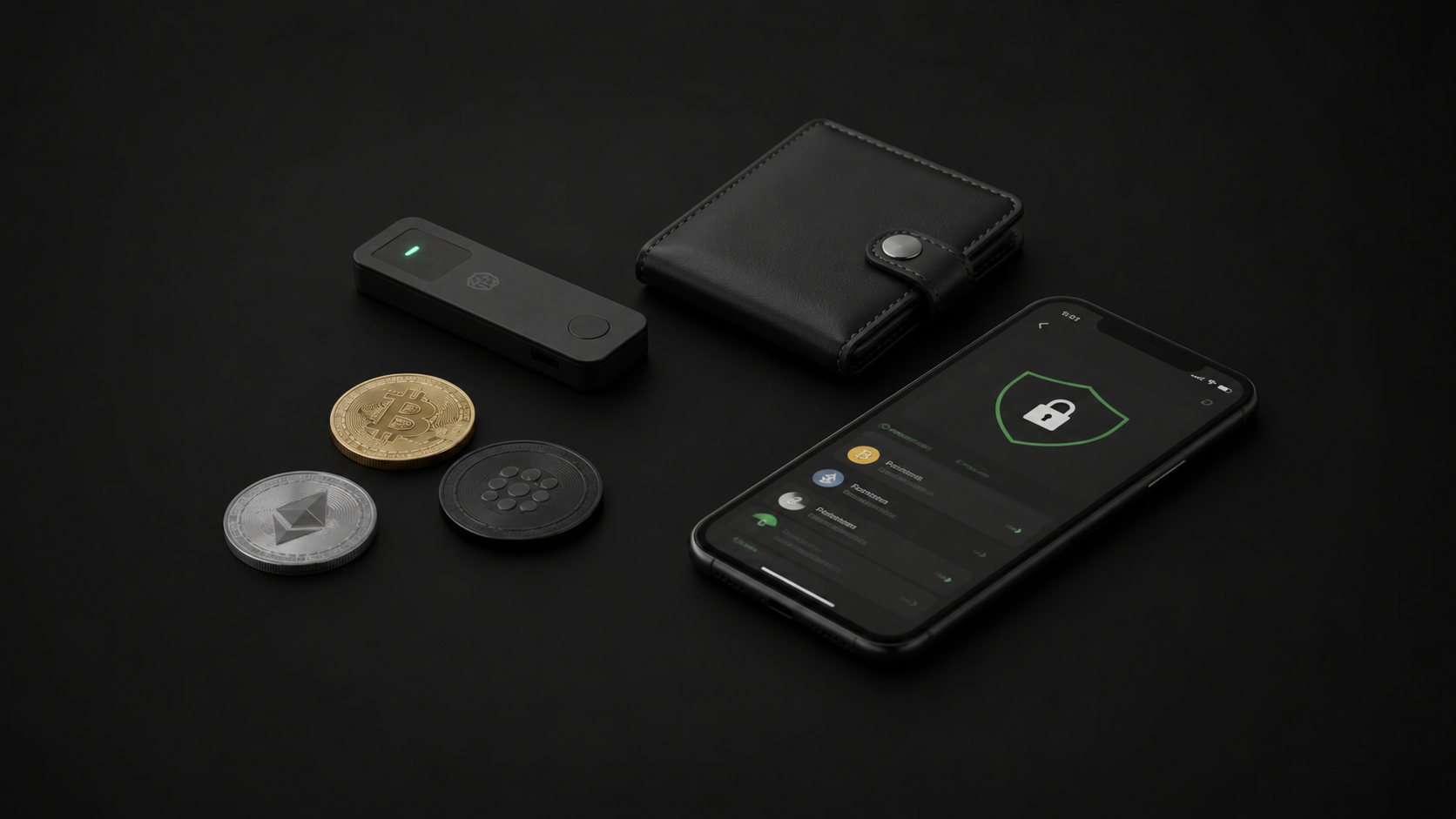
Before your first cryptocurrency purchase on Paybis, one mandatory question needs answering: where will the funds go? Paybis operates on a non-custodial model — this means cryptocurrency is sent directly to your personal wallet, not held on the platform. So a wallet is needed before the purchase begins.
This article explains what a wallet is, how it works and how to create one in a few minutes.
What a Cryptocurrency Wallet Actually Is
The name "wallet" is slightly misleading. Cryptocurrency is not stored inside the wallet — it exists on the blockchain. A wallet stores the keys that give you the right to control certain funds on the blockchain.
Think of the blockchain as a public ledger. It says "address ABC holds 0.5 BTC". The wallet stores the private key that proves you own address ABC and can spend those funds.
Every wallet has two main elements.
A public address is what you give other people so they can send you cryptocurrency. It is like a bank account number: you can show it to anyone, it is safe to share. A Bitcoin address looks something like this: bc1qxy2kgdygjrsqtzq2n0yrf2493p83kkfjhx0wlh
A private key is what proves your right to the funds. Think of it as a PIN code and password combined — only far more important. Whoever holds the private key owns the cryptocurrency at the corresponding address. Never show it to anyone or enter it anywhere.
A seed phrase (mnemonic phrase) is 12 or 24 words from which all of the wallet's keys are mathematically generated. It is a master key: anyone who knows the seed phrase can restore the entire wallet on any device. Write it down on paper immediately after creating the wallet and store it safely offline.
Types of Wallets: Which One to Choose First
There are several types of wallets with different balances between convenience and security.
A mobile non-custodial wallet is an app on a smartphone. You own the keys and the cryptocurrency is under your control. Convenient for everyday use and for receiving cryptocurrency. This is the best choice for a first wallet.
A desktop wallet is a program on a computer. The principle is the same as a mobile wallet, just on a different device.
A hardware wallet is a physical device the size of a USB drive. Keys are stored in a secure chip and never leave the device. Maximum security for storing significant amounts. Costs money and is less convenient for frequent transactions.
Web wallets and exchange wallets are custodial — the platform holds the keys. Convenient, but you do not directly control the keys. Not recommended as the primary storage location.
For a first purchase through Paybis, a mobile non-custodial wallet is all you need.
How to Create a Mobile Wallet: Step by Step
The process takes 5–10 minutes and requires no technical knowledge.
Step one — choose an app. There are several popular non-custodial mobile wallets on the market. They are free and available in the App Store and Google Play. Search for "non-custodial crypto wallet".
Step two — install the app from the official store. Only from the App Store or Google Play — no APK files from third-party websites. Make sure the developer matches the official one.
Step three — create a new wallet. In the app, select "Create new wallet" or a similar option. Set a PIN code or enable biometric protection.
Step four — write down your seed phrase. The app will show 12 or 24 words. Write them down on paper in the exact order shown. Double-check your copy — some apps ask you to enter the words in random order to confirm. Store the written phrase offline in a safe place. Never photograph it, save it to the cloud or share it with anyone.
Step five — copy your address. In the app, find the "Receive" section for the coin you need. There you will find your public address — a long string of letters and numbers. This is what you enter when buying on Paybis.
What to Watch Out for When Choosing an Address
Every cryptocurrency and every network has its own address format. This is important to understand so you do not send funds to the wrong place.
Bitcoin addresses start with "1", "3" or "bc1". Ethereum addresses start with "0x". USDT exists on multiple networks — Ethereum (ERC-20) and Tron (TRC-20) — and each has its own address format.
When buying through Paybis, make sure the address you copy from your wallet matches the coin and network you have selected. If you are buying USDT TRC-20, you need a Tron network address. If you are buying USDT ERC-20, you need an Ethereum address.
Most modern mobile wallets support multiple networks and show a separate address for each.
What to Do Right After Creating a Wallet
Save your seed phrase — this is the most important step. Without it, recovering access to the wallet is impossible if your phone breaks, gets lost or is reset to factory settings.
Enable PIN protection or biometrics. This protects against unauthorised access if your phone ends up in the wrong hands.
Do a test transaction. Before using the address for a real purchase, confirm it works. You can ask someone to send a small amount or make a small test purchase.
Check the address twice with every transaction. When copying an address, malware can substitute it in the clipboard. Always compare the first and last few characters of the address in your wallet with what you have entered in the Paybis field.
One Wallet or Several
One is enough to start with. As your asset amount grows and you gain experience, many people split storage: a small amount for everyday transactions in a hot mobile wallet, main savings on a hardware wallet.
This is not necessary at the start — but it is useful to understand the logic for future planning.