How to Protect Your Cryptocurrency Account from Hacking in 2026
Practical tips on how to protect a cryptocurrency account: 2FA, strong passwords, protection against phishing and SIM swapping. Security on Paybis and personal wallets.
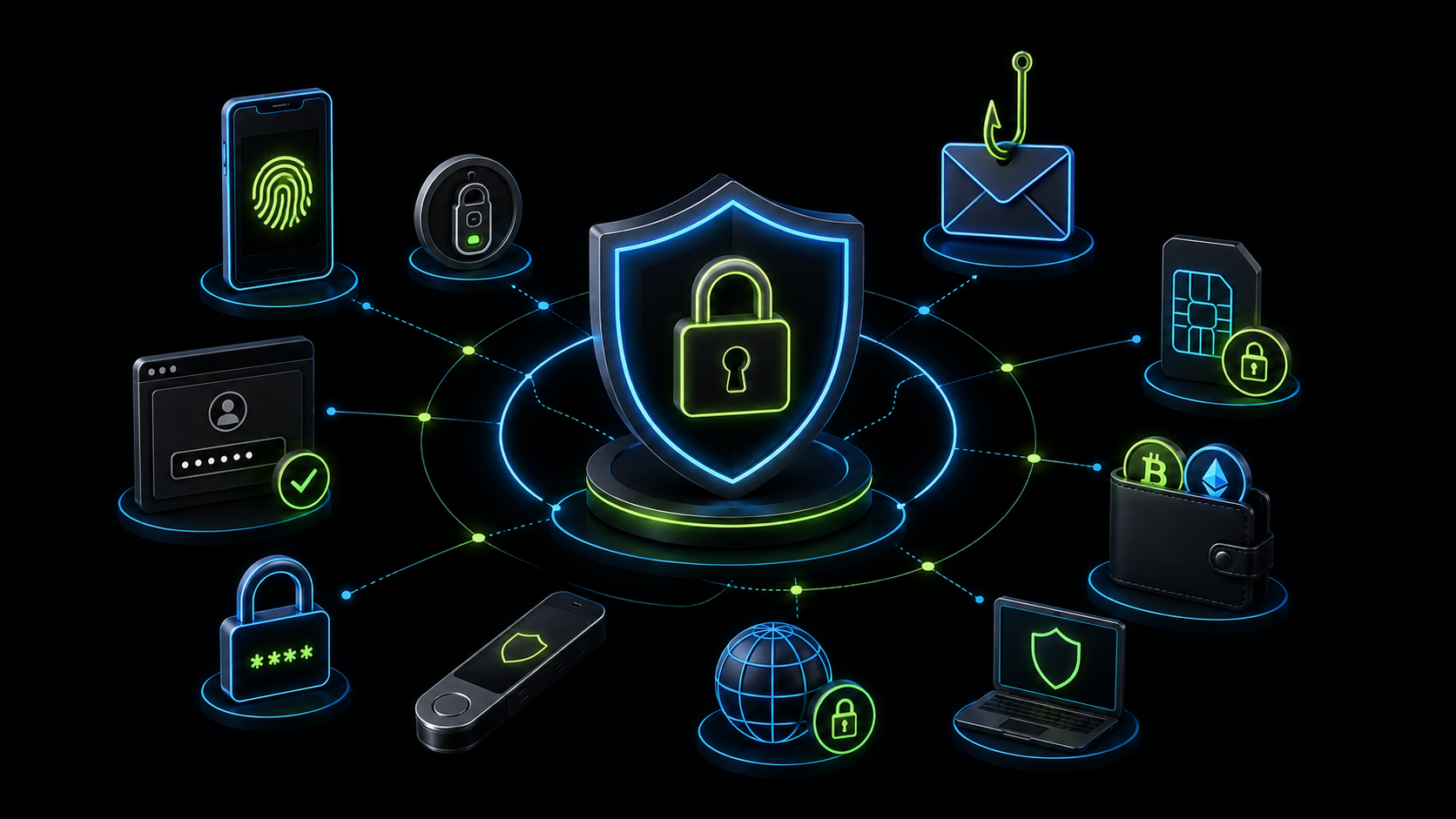
Cryptocurrency attracts attackers because transactions are irreversible and pseudonymous. Unlike a bank account where you can dispute a fraudulent payment — stolen crypto cannot be recovered. This is why protecting accounts and wallets matters more than in traditional finance.
Good news: most hacks happen through predictable patterns that are easy to prevent. This article covers specific protective measures — from basic to advanced.
Two-Factor Authentication: The First Thing to Enable
2FA is a second layer of protection beyond a password. Even if an attacker learns your password — they cannot log in without the second factor.
There are several types of 2FA with different security levels.
SMS code — the most common but least reliable type. Vulnerable to SIM swapping (see below). Better than nothing, but use more reliable options when available.
Authenticator app (Google Authenticator, Authy, Microsoft Authenticator) — generates one-time codes that refresh every 30 seconds. Not tied to a phone number — protected against SIM swapping. The recommended minimum for any crypto service.
Hardware key (YubiKey and similar) — a physical device that connects to a computer or smartphone. Maximum protection level. For most users, an authenticator app is sufficient.
Enable 2FA on Paybis immediately after registration: account settings → Security → Two-Factor Authentication. Use an authenticator app rather than SMS if given the choice.
Passwords: Why Uniqueness Matters More Than Complexity
A weak password is not only "123456". A weak password is one you use on multiple sites.
Data breaches happen constantly. If your email password ends up in a hacker database and the same password is used on Paybis — your account is at risk. This is called credential stuffing.
One rule: every service gets a unique password. Remembering dozens of unique passwords is unrealistic — use a password manager (Bitwarden, 1Password, KeePass). It generates and stores complex unique passwords. You only need to remember one master password.
For Paybis and the email linked to your account — unique complex passwords are especially important.
Protecting Your Email: The Weak Link Often Overlooked
Email is the key to all your accounts. Through password reset via email, most services can be accessed. A compromised email means potential access to everything.
Use a separate email for crypto accounts. Not the one you use for newsletters and random site registrations — a separate address only for financial services.
Enable 2FA on this email — this is mandatory. A poorly protected email makes all Paybis account protection pointless.
Do not access this email in public places on unfamiliar devices. Public computers may have keyloggers installed.
SIM Swapping: An Attack on Your Phone Number
SIM swapping is when an attacker convinces your mobile carrier to transfer your phone number to a new SIM card. After that, all SMS verification codes go to them instead of you.
This is a real threat for those who have SMS authentication enabled on crypto services. This is exactly why an authenticator app is more reliable than SMS.
How to protect yourself: set a PIN code on your account with the mobile carrier — a special code required for any account changes including SIM reissues. Most carriers support this feature. Replace SMS codes with an authenticator app everywhere possible.
Phishing: The Most Common Attack
Phishing — creating fake websites that look like real ones. You enter your login and password — the attacker gains access.
Several rules that protect against phishing.
Always check the URL in the address bar before entering any data. A phishing site may have an address like paybls.com or pаybis.com (with a Cyrillic "a") — visually almost indistinguishable.
Use bookmarks. Add Paybis and other crypto services to browser bookmarks and only access them through those. Never follow links from emails or messengers.
Browser extensions for phishing protection. Extensions or the built-in protection in Chrome and Firefox warn about suspicious sites.
Do not trust emails asking you to "confirm your account", "update your details" or warning that "access is blocked". Legitimate services do not ask for passwords via email links.
Device Security: Basic Hygiene
Account security depends on the security of the device you use to log in.
Keep your operating system and apps updated. Most hacks exploit known vulnerabilities for which patches already exist. Enable auto-updates.
Use antivirus software. On a computer — essential. Mobile devices are less vulnerable but basic protection does not hurt.
Do not download files from unverified sources. Malware can intercept clipboard content and replace wallet addresses. One infected downloaded file can lead to the loss of all funds.
Do not use public Wi-Fi for cryptocurrency operations. Unsecured networks can intercept traffic. If you need to work in a public place — use a VPN.
Security Checklist
For a quick check — what should be enabled right now.
On the Paybis account: unique password, 2FA via authenticator app, the email linked to the account — also with 2FA enabled.
On the personal wallet: seed phrase written on paper and stored offline, PIN code or biometrics enabled in the app, no malware on the device.
General: password manager installed, browser up to date, bookmarks for crypto services created.
If even one item on this list is missing — that is a vulnerability worth fixing today. Most hacks happen not because of sophisticated attacks but because of basic security gaps that can be closed in an hour.